Document Submission Portal for Data Entry Exam
Note: This website is only meant for uploading documents required for the exam registration process, to make document submission easier
Please check and fill the details carefully
Photo Upload Guidelines
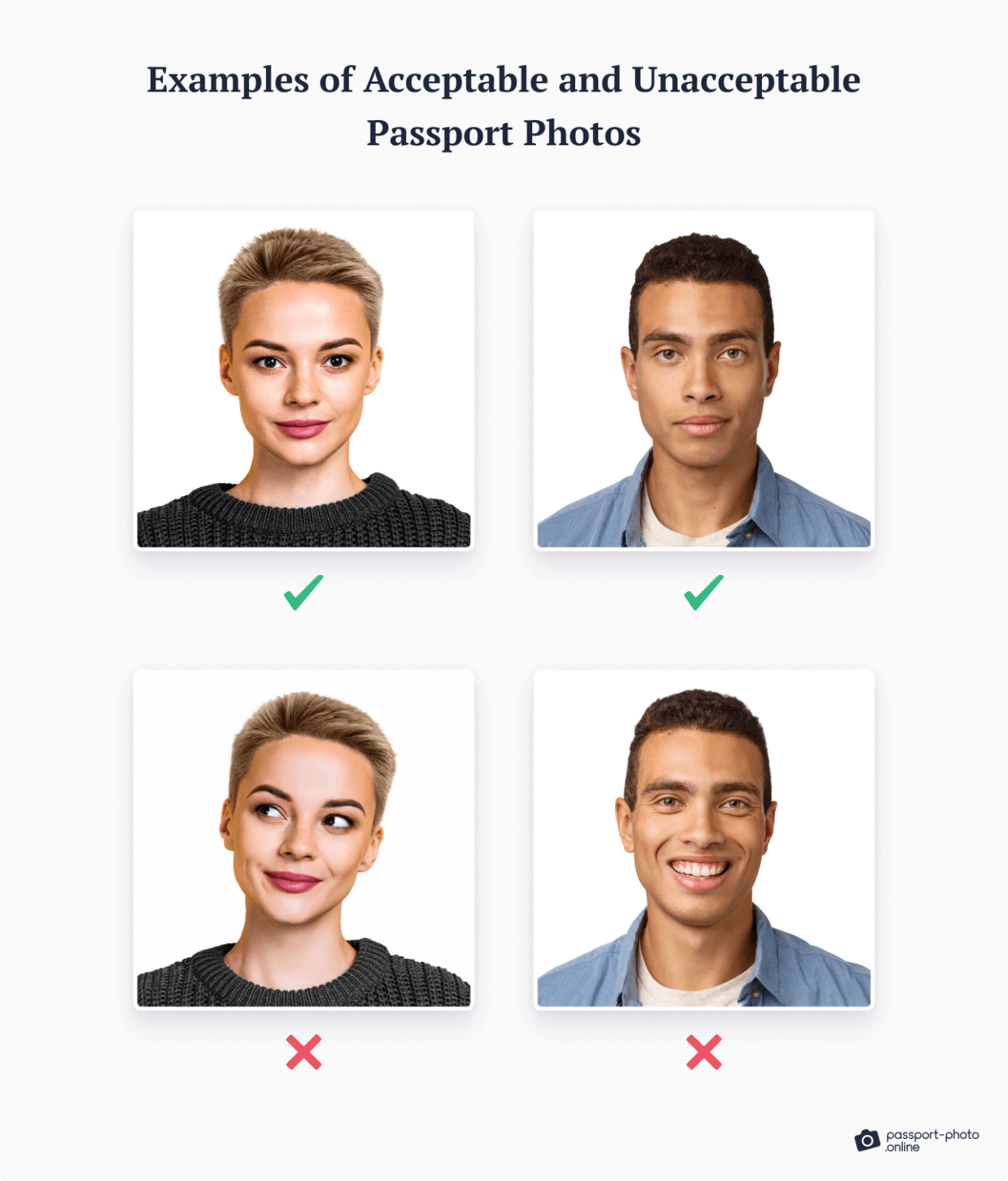
Passport Photo
- Clear front-facing photo
- Plain light background
- No blur, no shadows
- No filters
Signature
- Sign on white paper
- Use dark blue or black pen
- Upload only the signature area

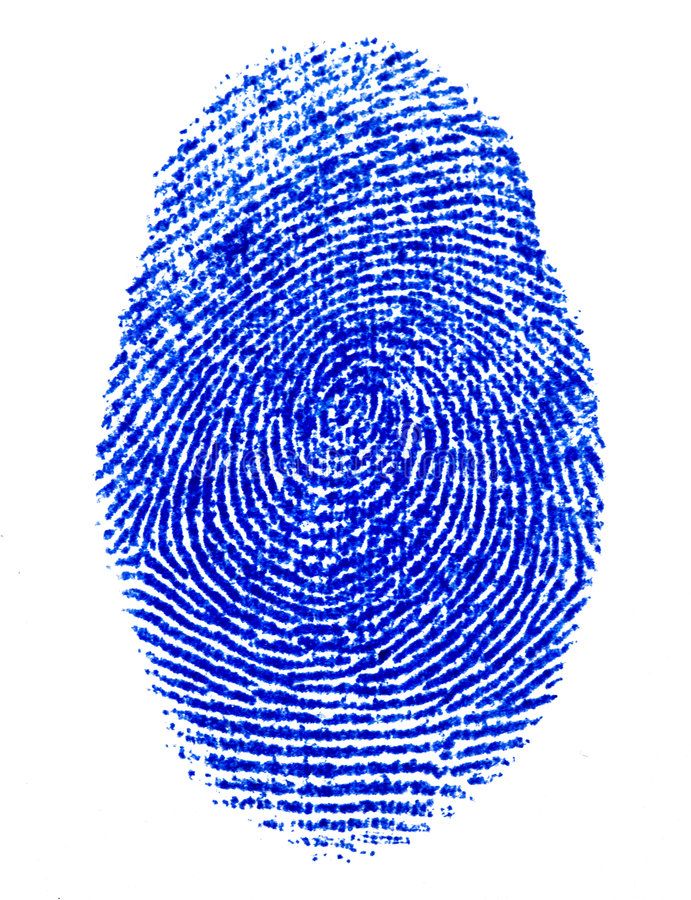
Left Thumb Impression
- Use LEFT thumb only
- Use blue or black ink
- Thumb should be fully visible
- No smudge or blur
- White paper background
-
For any queries contact the Computer Instructor